
SHAREit
SHAREit is a free Windows app from the SHAREit Team for moving photos, videos and documents between a PC and a phone. The current version is 5.1.0.7.
22.7 MB

6.0.0 · Xender File Sharing Team · Page updated
Xender is a free file sharing app from the Xender File Sharing Team for sending files between phones and computers over a local connection.
Average 0.0 · ratings: 0
Thank you! Your rating is saved; you can change it. Could not save the rating. Please try again later. Too many ratings from your network today. Please try again tomorrow. The average appears after 5 ratings.
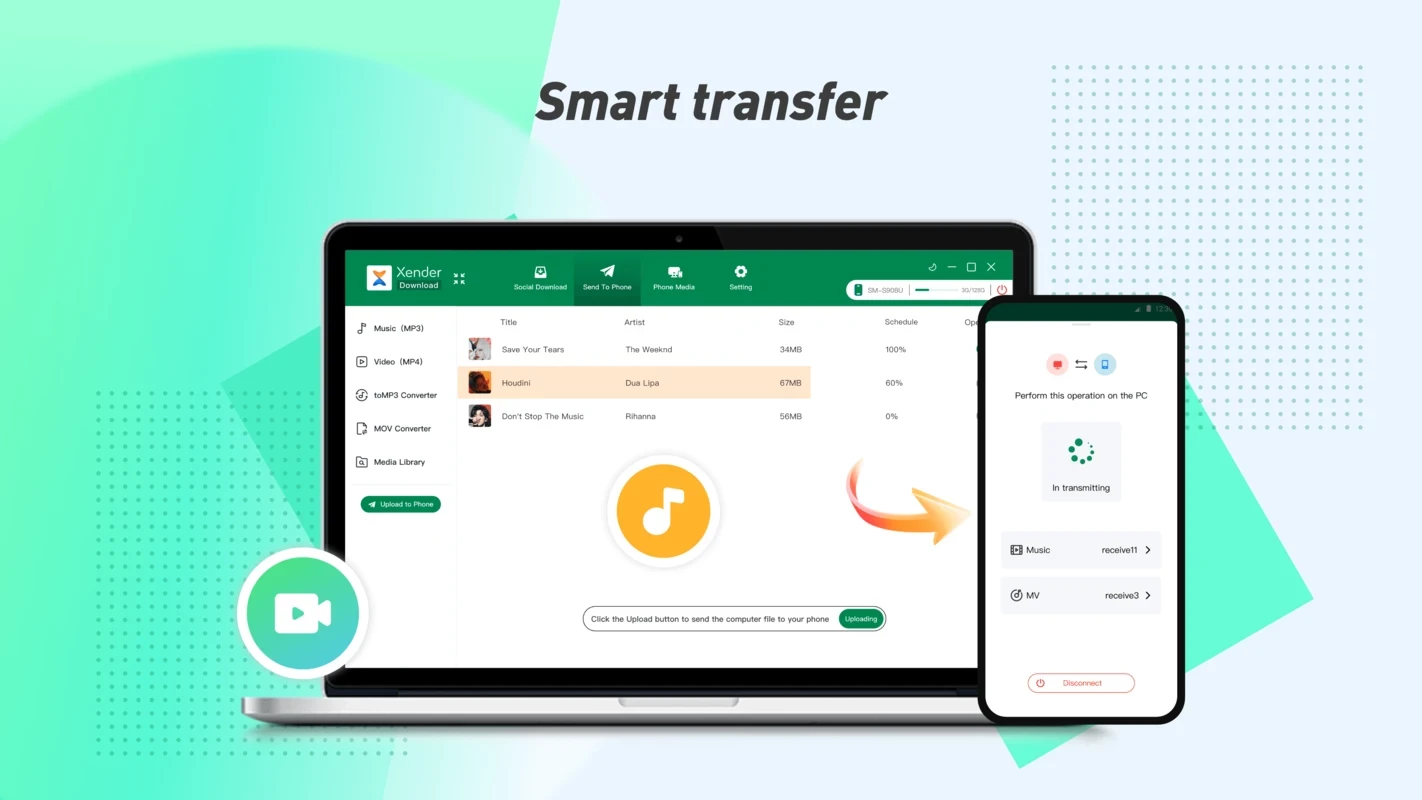
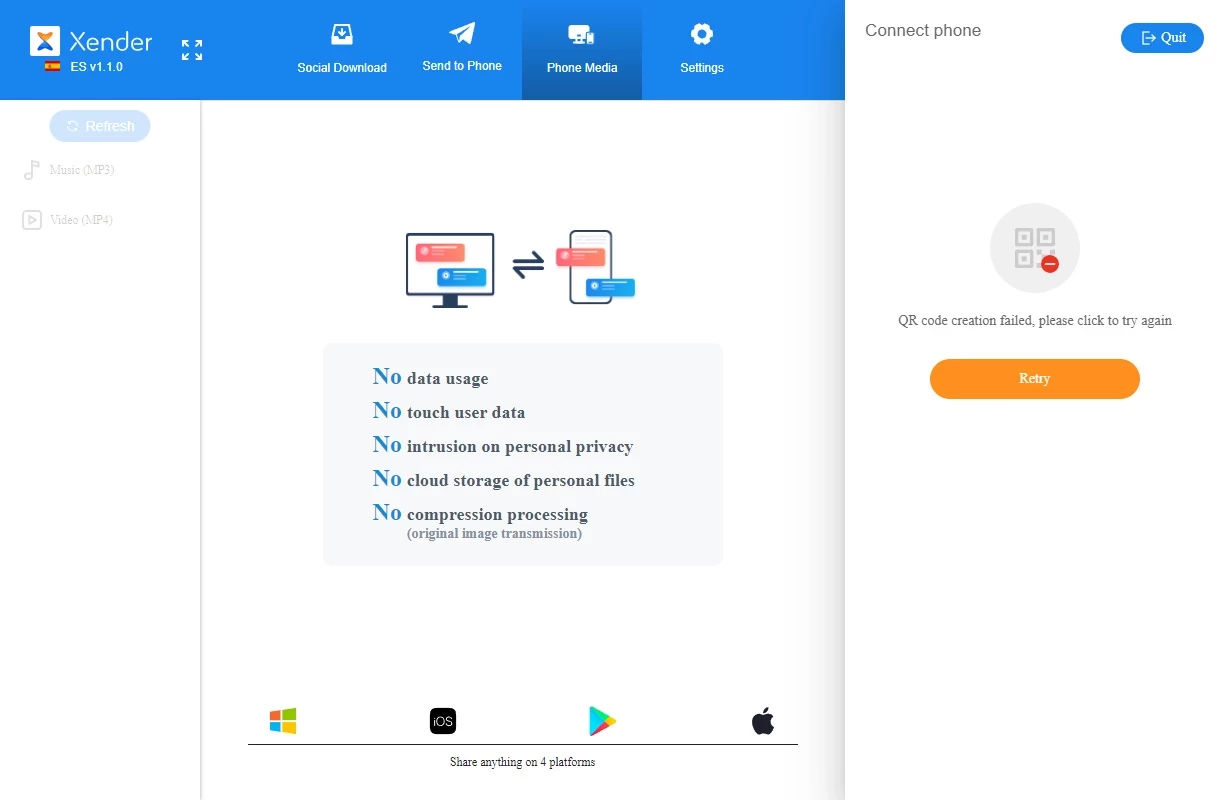
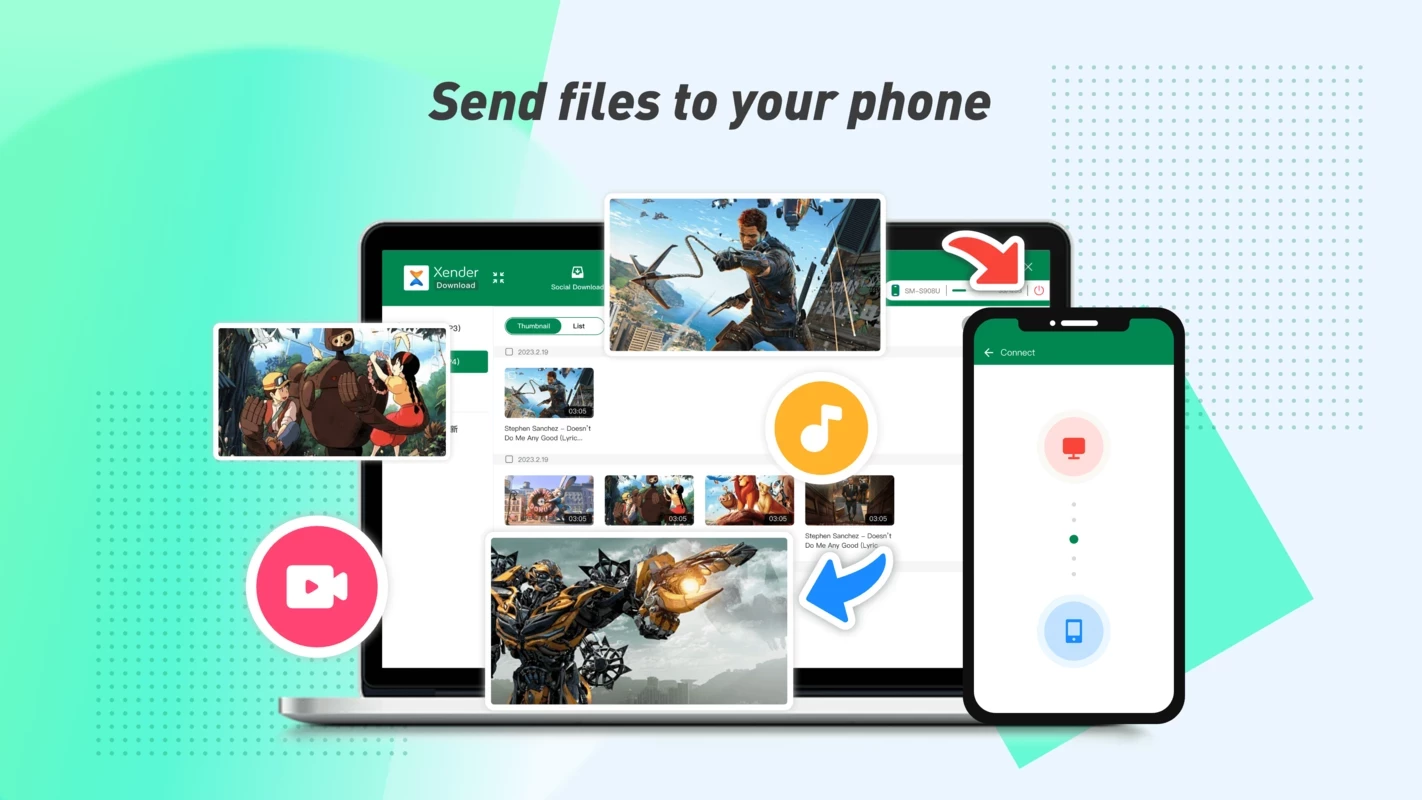
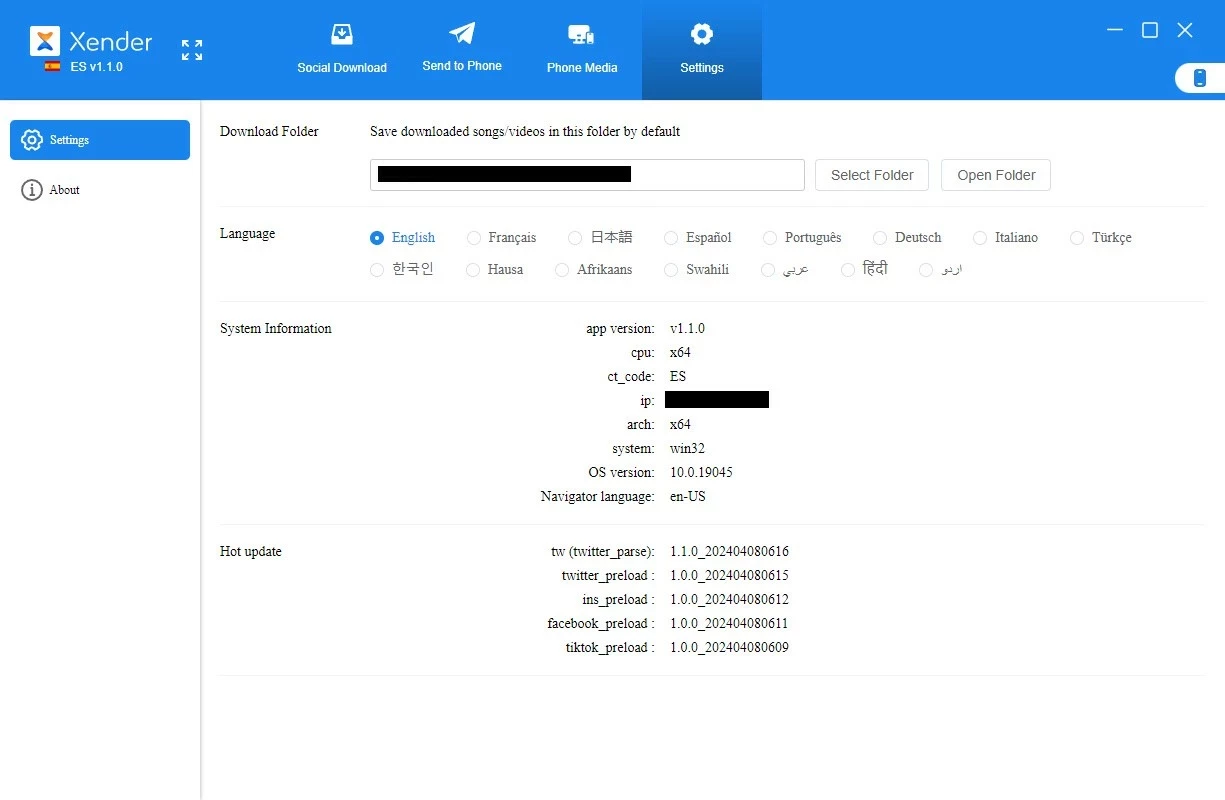
Xender 6.0.0 for Windows is the PC edition of the free file sharing app from the Xender File Sharing Team. People download Xender for Windows to move photos, videos and documents between a phone and a computer without cables or mobile data.
Xender started as an Android app for sending files directly from one device to another. Instead of uploading a video to the cloud and downloading it again, the two devices connect over a local wireless link and the file goes straight across. That makes transfers faster than most cloud services and keeps them off your data plan, which is why such apps became popular in regions where mobile internet is expensive. The Windows package brings the same idea to a PC: you can pull camera photos from a phone to a laptop, send a film to a friend's device or back up folders before resetting a phone. Transfers work only while both devices are nearby and connected, so Xender complements cloud storage rather than replacing it.
| Item | Details |
|---|---|
| Version | 6.0.0 |
| Developer | Xender File Sharing Team |
| Platform | Windows; the main app is for Android |
| Licence | Freeware |
| Size | about 144.77 MB according to catalogue data |
The developer does not publish a PC requirements list in our data. You need a Windows computer with Wi-Fi and a phone with the Xender app; both devices should be close to each other during the transfer.
Use the official site and Google Play only; repackaged copies from other download sites may carry adware. During a transfer, accept connections only from devices you recognise, and do not leave file sharing open in public places. Files you receive should be checked by your antivirus like any other download.
Check that Wi-Fi is on for both, that the PC firewall did not block the program, and that the phone app has the permissions it asked for. Moving the devices closer and restarting both apps solves most connection problems. If it still fails, a USB cable or cloud storage is a reliable fallback for a one-off transfer.
Yes, Xender is free. Free file sharing apps are often supported by advertising, so expect some ads.
Our site also lists SHAREit, Zapya and Quick Share for moving files between devices, and TeamViewer for remote access to a computer.
SHAREit is a free Windows app from the SHAREit Team for moving photos, videos and documents between a PC and a phone. The current version is 5.1.0.7.

Zapya for Windows is a free file transfer app from DewMobile for moving files between a PC and phones over a local wireless connection.

Easy Connection to Screen is Samsung's Windows app for showing a PC's screen on a compatible Samsung TV over a wireless connection.

4K Video Downloader Plus is a Windows program from Open Media for saving online videos, playlists and audio for offline use, with a free mode and paid licences.

Internet Download Manager (IDM) is a shareware download manager for Windows from Tonec that accelerates, resumes and schedules downloads.

uTorrent (μTorrent) is a small BitTorrent client for Windows from Rainberry (BitTorrent Inc) for downloading and sharing files over torrents.

AnyDesk is a remote desktop application for connecting to and controlling another computer over the internet, from a small Windows program.

ShareMe is Xiaomi's free app for sending files between devices without a cable; on Windows the Android app runs only inside an emulator.